
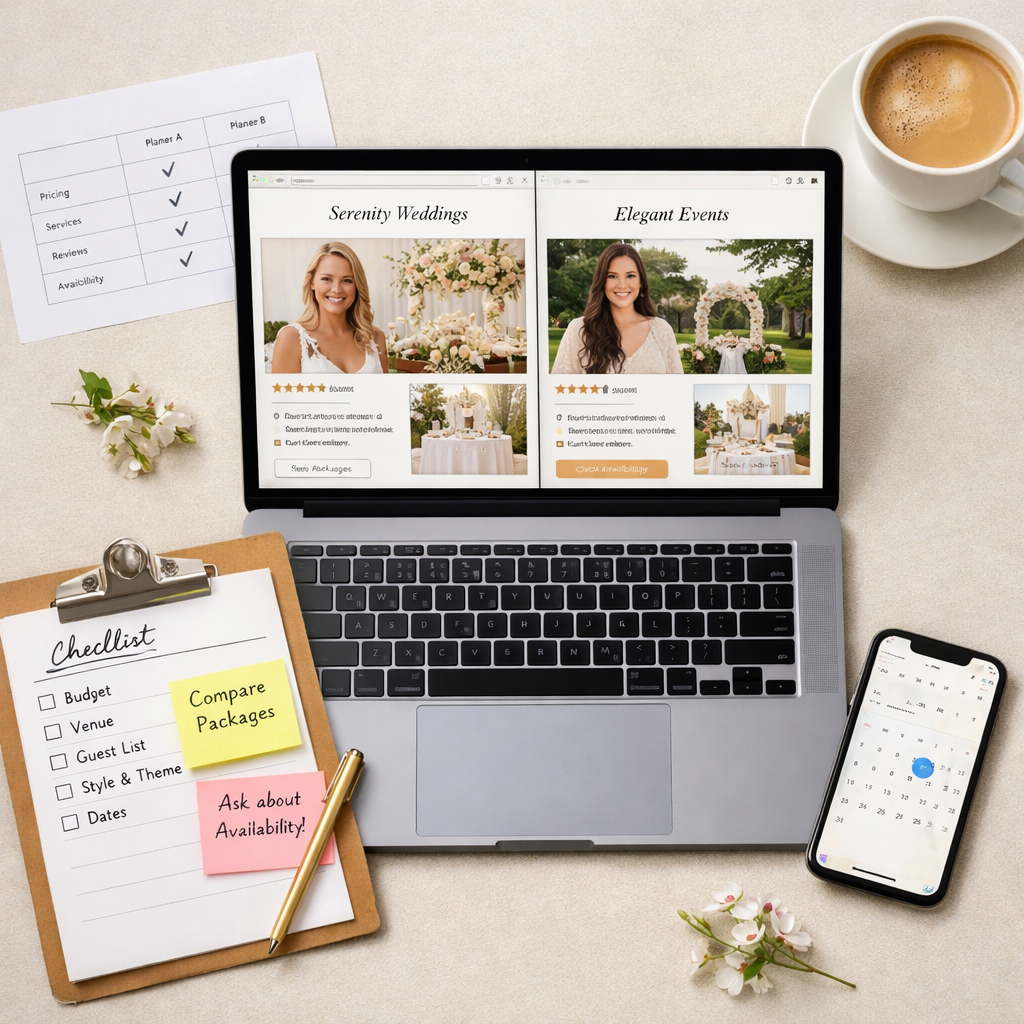
How to Compare Wedding Planner Websites and Confidently Book Online
Choosing the best wedding planner websites for researching and booking shouldn’t feel like a second job. The fastest path: match your wedding scope to the right platform, confirm must‑have tools, and test the guest and payment flow on your phone before you pay. In this guide, we share a practical wedding planner website comparison, the core features that actually save time, and a quick way to evaluate design, voice, and fit. You’ll also find ecosystem snapshots (The Knot, Zola, and more), mobile-first testing steps, and booking safeguards so you can confidently decide how to choose a wedding planner online—without blowing the budget or your weekends. At A Day in Mollywood, we favor calm, mobile‑first steps that work in real life.
Start with your priorities and wedding scope
A strong start is simple: map your size, style, and logistics to the platform that can handle them. Think family-first—budget, guest count, travel needs—and how hands-on you want to be. At A Day in Mollywood, we start with a family‑first checklist and right‑sized scope so the tools fit your actual day.
Scope at a glance:
- Guest count: intimate (under 50), mid (50–150), large (150+)
- Destination or local: destination weddings mean most guests travel; hotel room block tools minimize chaos
- Number of events: welcome party, ceremony, reception, brunch
- Registry and room blocks: do you need both in one place?
- Vendor research: minimal (lean on a planner) or lots (DIY compare/contrast)
Quick scope planner
| Detail | Your notes | Why it matters |
|---|---|---|
| Guest count | Impacts RSVP tools, seating, and budget trackers | |
| Destination vs. local | Destination weddings need travel and room-block features | |
| Events (1–3+) | More events = stronger scheduling and guest comms | |
| Registry + room blocks | Bundled tools reduce app-juggling | |
| Vendor research level | Directories and saved lists save hours |
If blocks are on your list, consider using a dedicated room-block tool like HotelPlanner as a planning add‑on, recommended in this best wedding planning tools roundup (karenwillisholmes.com). A wedding planner website is the online hub where couples research a planner’s services, review portfolios, and often handle logistics like RSVPs, guest info, and payments. It should centralize tools and information to reduce planning admin and improve communication. As you shortlist, confirm baseline features such as mobile-friendly design, RSVP and budget tracking, vendor organization, and data access after the event per this wedding planning websites guide (emmalinebride.com).
Define must-have planning tools and nice-to-haves
Avoid feature overload. Start with essentials; add extras only if they solve your real needs. These are the core tools we recommend to most couples at A Day in Mollywood.
Must‑haves (and why they matter):
- Mobile‑friendly design: you and guests plan on phones; clunky pages cause drop‑off (emmalinebride.com).
- Easy RSVP/guest tracking: collect responses online and reduce texting spreadsheets (emmalinebride.com).
- Budget management: track projected vs. actual costs and deposits in one spot; tools like Zola and The Knot include budget trackers (emmalinebride.com).
- Vendor organization: centralize contracts, contacts, invoices, and timelines (emmalinebride.com).
- Long‑term data access: be able to export guest lists, contracts, and budgets after the wedding (emmalinebride.com).
Nice‑to‑haves by scenario:
- Registries and hotel blocks: if you want a universal registry plus lodging tools in one ecosystem, The Knot’s wedding website overview outlines these perks (theknot.com).
- Complex layouts: for big guest counts or tented receptions, seating-chart and floor plan tools (e.g., Allseated) prevent last‑minute shuffles (noted in the KWH roundup).
- Pro‑grade workflows: if you’re partnering closely with a planner, CRMs and invoicing platforms (e.g., HoneyBook) streamline proposals and payments, highlighted in this virtual planner comparison (colossus.systems).
Budget tracker, defined: A budget tracker is a tool that records projected vs. actual wedding costs, vendor deposits, and due dates. It provides real-time visibility so couples avoid overages and missed payments, and it centralizes financial decisions for easier comparisons and adjustments.
Evaluate design, voice, and fit at a glance
Use a 60‑second homepage skim test:
- Is the value message clear about who they serve and what they do best? Luxury planners use clarity and tone‑setting design to attract the right clients, as seen in book luxury clients with clear websites (alexcollierdesign.com).
- Are menus short and plain‑language? If navigation confuses you, it will confuse your guests.
- Do the portfolio and testimonials feel aligned with your style and budget?
Three quick “fit” checks:
- Tone/voice: warm, transparent, practical—authentic over perfect.
- Services: packages and process explained with real examples and timelines.
- Proof: recent case studies and verified reviews.
Note: Many standout planner sites run on Squarespace, Wix, Webflow, or GoDaddy—the design can be beautiful on any modern builder when content is clear. See wedding planner website inspiration (sitebuilderreport.com). Keep an eye on planner portfolio pages for alignment with your venue type and guest count.
Check the platform ecosystem and integrations
A platform ecosystem is the bundle of tools working together on one site—templates, vendor directories, registries, checklists, and payment tools. A strong ecosystem reduces app‑juggling and centralizes data, saving time during busy family seasons. We prioritize ecosystems that allow easy data export and keep planning simple—hallmarks A Day in Mollywood readers value.
Common ecosystems and strengths:
- The Knot: free wedding websites with roughly 800 templates, universal registry, budget advisor, checklist, and app support; the brand notes it has helped over 25M couples across ~30 years in The Knot’s wedding website overview (theknot.com).
- Zola: an all‑in‑one dashboard prioritizing registry + budgeting with guest tools many couples find intuitive (emmalinebride.com).
- WeddingWire: robust venue/vendor search paired with a website and budget tools useful for research-driven couples.
Key integrations to check:
- Registries (universal vs. retailer‑specific)
- Hotel blocks and travel info
- RSVP auto‑tracking and guest messaging
- Mobile apps and calendar sync
- Payment processing and invoice history
- Review import and vendor comparison so you can research and book pros in fewer tabs
Test the guest and payment experience on mobile
Before you commit, simulate what your guests (and your wallet) will experience.
Step‑by‑step mobile test:
- Load the site on your phone; check that menus, forms, and images are mobile‑friendly and fast.
- Complete a sample RSVP to confirm ease, error handling, and confirmation messages.
- Walk through a mock payment or deposit, then find refund/cancellation terms and invoice history.
- Confirm privacy/password controls and data export options (guest list, contracts, budgets).
Add accessibility checks: font size, color contrast, alt text, and tap targets large enough for thumbs. Well-built wedding websites act as a central hub for directions, dress codes, accommodations, and paperless RSVPs—dramatically reducing admin for you and your planner, as noted in why wedding websites cut admin (springbankmanor.co.uk). We run this same phone test before we recommend a platform at A Day in Mollywood.
Verify booking safeguards before you pay
Protect your timeline and budget by confirming the paper trail. At A Day in Mollywood, contracts, clear invoices, and exportable records are non‑negotiable.
Request and confirm:
- A written contract with scope, deliverables, timeline, total cost, refund/cancellation terms, reschedule policies, and what happens if the planner becomes unavailable.
- Invoicing cadence, accepted payment methods, deposit amounts, and due dates; be sure your budgeting tool tracks deposits and payments.
- Data ownership and access after the event, including exportable records.
Secure online booking, defined: Secure online booking means deposits and contracts are handled via encrypted checkouts with documented invoices inside a platform that provides clear refund/cancellation policies, identity verification, and written confirmations to protect both parties.
Behind the scenes, professional planners often use CRMs, proposal tools, and floor plan software; seeing references to organized tools is a good sign (see tools planners use behind the scenes on emmalinebride.com).
Quick platform matches by need
- The Knot: Best all‑in‑one for large weddings; deep vendor database and structured tools; free with ~800 templates plus universal registry, budget advisor, and checklist (as detailed in The Knot’s wedding website overview).
- Zola: Ideal when you want everything in one dashboard—registry + budgeting prioritized with simple guest tools (supported in emmalinebride.com’s guide).
- Joy: Great for small or intimate weddings with straightforward RSVP and guest features; praised for easy site-building and responsive support in best wedding website builders (junebugweddings.com).
- Minted / Riley & Grey: Design‑first or luxury templates for style‑conscious couples; Riley & Grey lists $39/month or $299/year with white‑glove touches (junebugweddings.com).
- Lovebird: Stylish free wedding website with custom URLs and mobile‑friendly templates (junebugweddings.com).
These are strong starting points when wedding website builders are compared side by side.
Budget tips and red flags to watch
Budget tips:
- Use built‑in budget tools to track deposits and due dates; set reminders so nothing slips.
- For extra rigor, pair your wedding budget with a household app like Mint while the wedding site tracks vendor spend.
- Export guest lists, contracts, and financial records, and confirm access after the wedding to avoid data lock‑in.
- Keep add‑ons intentional—only pay for features you’ll actually use this season.
Red flags:
- Confusing navigation or unclear services; luxury‑quality sites are clear and tone‑setting.
- No written contract, vague refund/cancellation terms, or missing invoices.
- Poor mobile optimization or broken RSVP forms.
One more sanity-saver: For complex events, planners often use CRMs and floor plan tools—transparency about tools signals organization.
How this fits real family life and sanity
Choose tech that reduces back‑and‑forth, automates RSVPs, and centralizes details so you can enjoy weeknights with your people, not your inbox. Keep your wedding site scannable with short sections for dress code, childcare notes, transportation, and timelines—fewer questions, more calm. If you need help with words, try A Day in Mollywood’s wedding website writing prompts or browse ideas for wedding website copy to set a kind, clear tone from day one.
Frequently asked questions
What should I look for when comparing wedding planner websites?
Prioritize mobile-friendly design, simple RSVP and guest tracking, budget tools, organized vendor features, and clear post‑event data access. A Day in Mollywood’s checklists help you weigh registries, directories, and apps against your wedding size and style.
How do I know if a planner’s site and booking flow are legitimate?
A Day in Mollywood recommends verifying written contracts, transparent pricing and refund policies, secure payment pages, and recent reviews.
What contract terms should I confirm before booking online?
At A Day in Mollywood, we advise confirming scope, timeline, total cost, deposit schedule, refund/cancellation and reschedule policies, what happens if the planner is unavailable, and how invoices and records are delivered/exported.
Should I book through a planner’s website or a large platform?
Platforms bundle directories, registries, and budgets; a planner’s own site can offer a more tailored process. A Day in Mollywood suggests choosing the option with clearer terms, secure payments, and only the features you’ll use.
How far in advance should I book a wedding planner online?
A Day in Mollywood’s rule of thumb: book 9–18 months out (earlier for peak seasons or destination weddings). Inquire as soon as you have a rough guest count and budget.